FURNICRAFT ~ Furniture
Tutorial on how install it here
⇨ more information ⇦
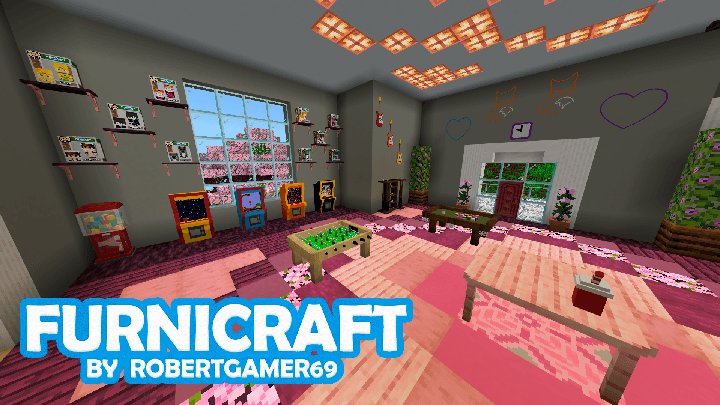
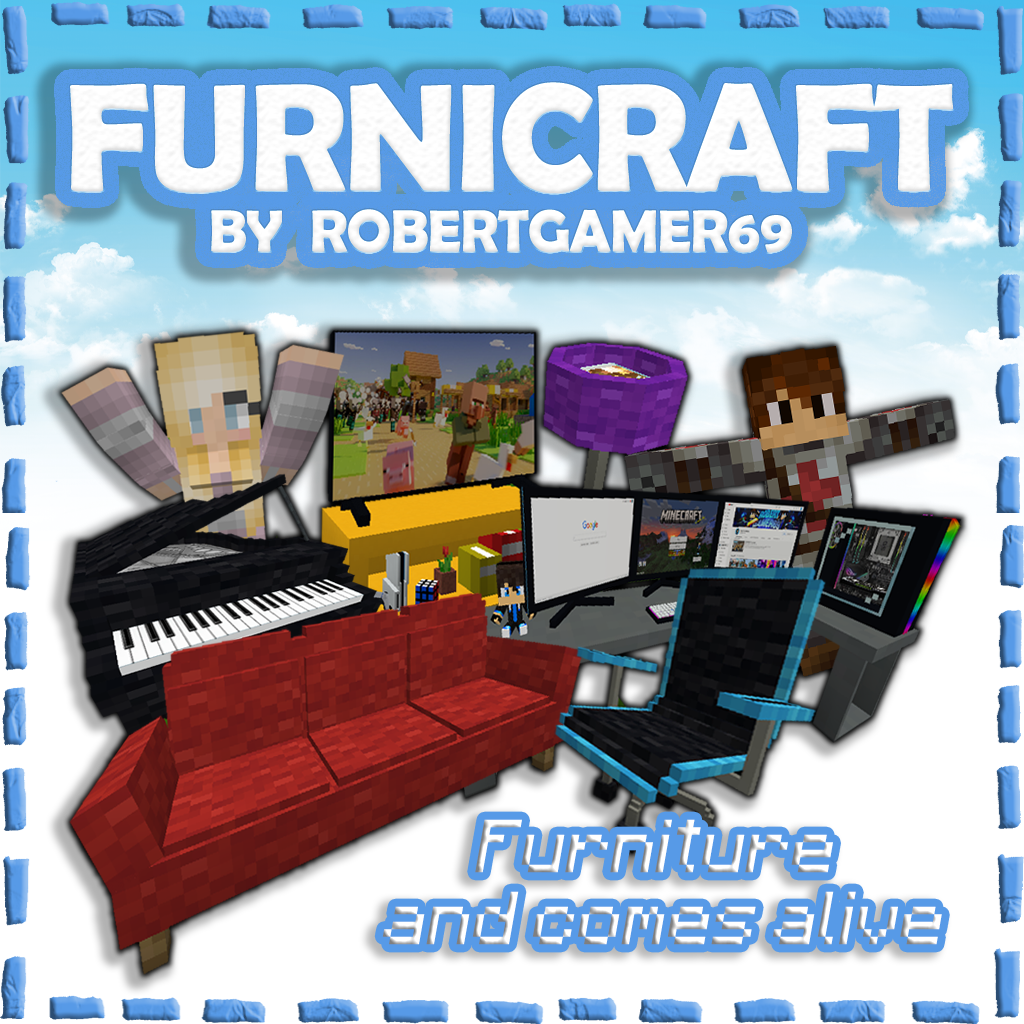
This addon adds over 500 pieces of furniture to the game. There's everything from kitchen utensils and bathroom equipment to things like a stove, shower products, and entertainment-related things like a pool table and gaming PC. It is a great addition if you want more options to decorate your home.
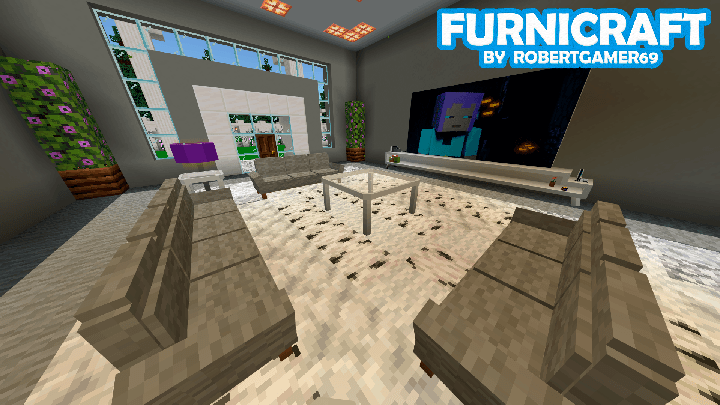
All furniture is solid 3D blocks, meaning you can easily rotate them in any direction you want. Some furniture, such as chairs and sofas, also have some functionality in that sense so that you can sit on them. Currently, all furniture can be crafted at the decorations table.
Creator: ROBERTGAMER69, Twitter, YouTube, PATREON

How does it work?
All the furniture are solid 3d blocks, this means you can easily rotate the furniture in any direction you want. Some furniture, like chairs and sofas, also has some functionality in that regard so that you can sit on them. Currently, all furniture can be crafted in the new Furnicraft Bench.
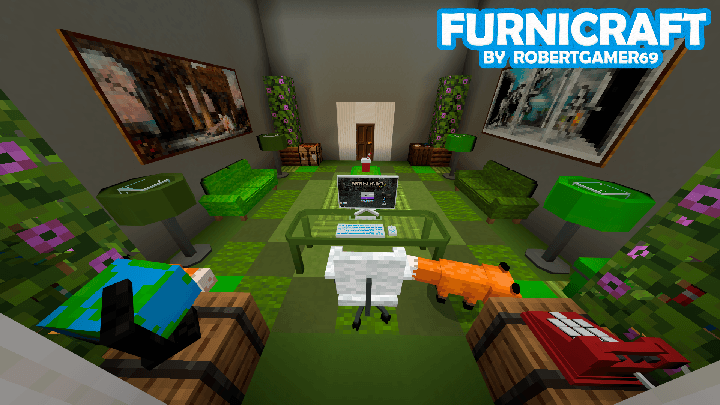
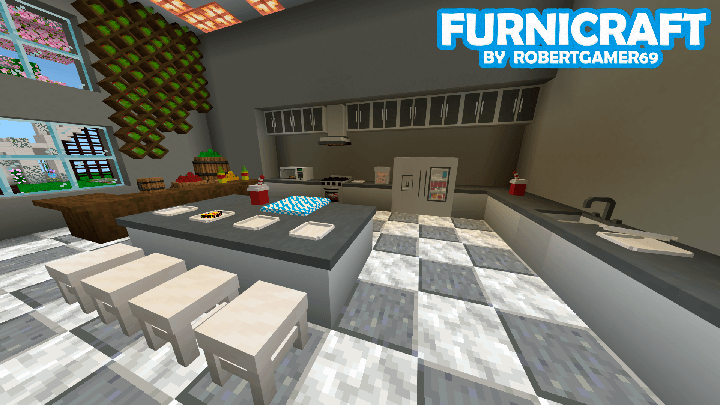
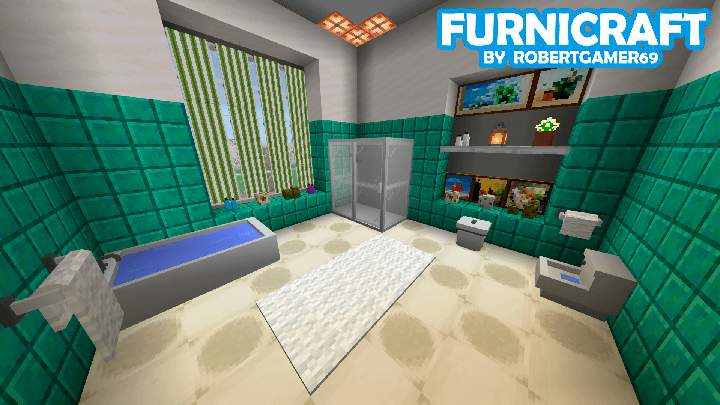
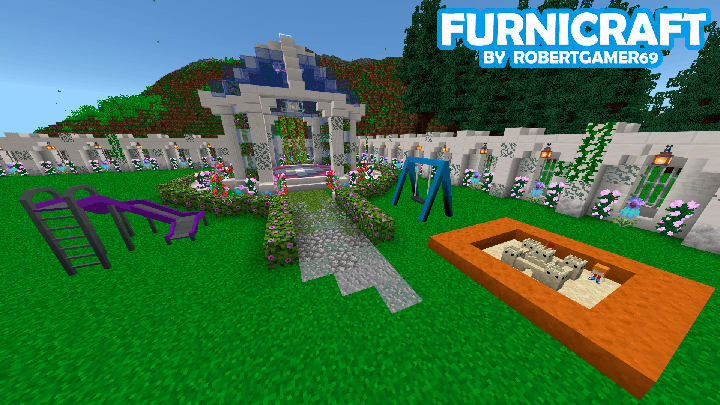
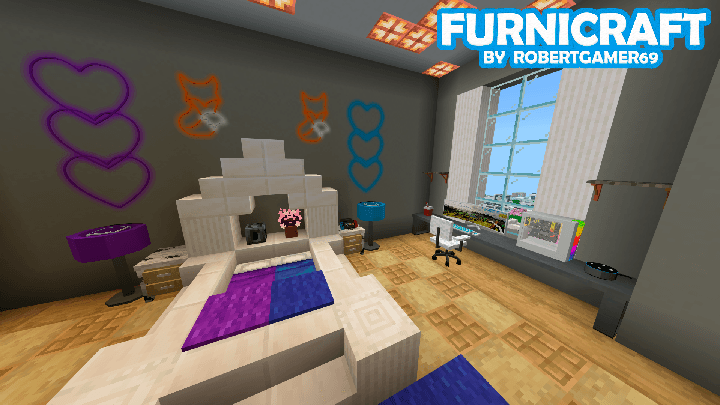
Information on how to use the addon
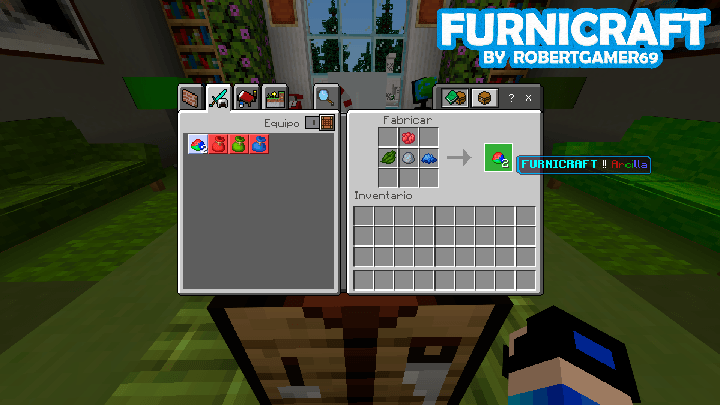
How to get the clay?
It is made with clay balls, red, green and blue dye
Here is an example of how it is made:
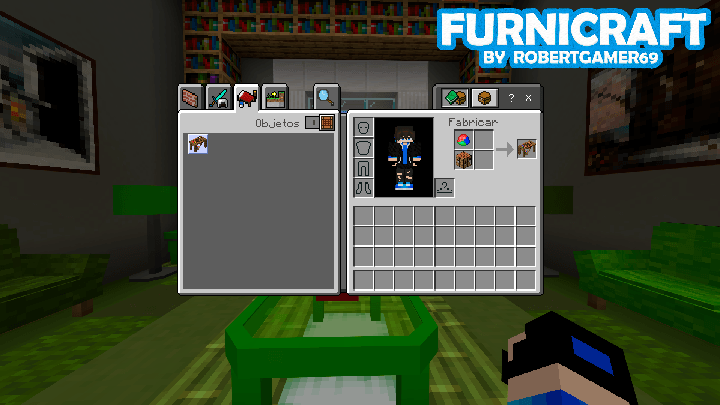
How to get the Decorations Table?
It is made with a crafting table and a FURNICRAFT clay
Here is an example of how it is made:
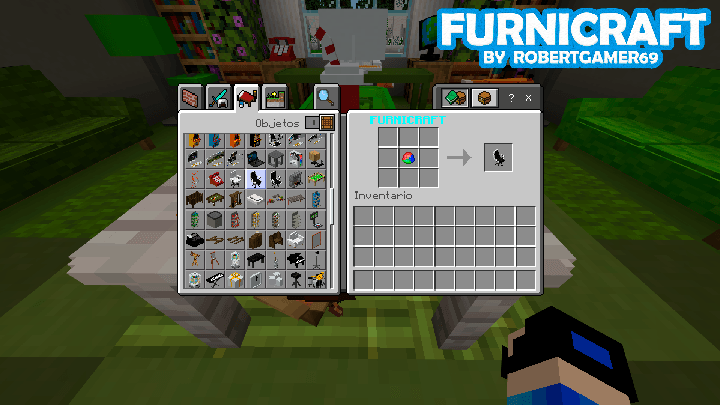
How to get all the furniture?
Each piece of furniture will cost you 1 Clay and you can get them at the Decorations Table.
Here is an example of how the furniture is obtained:
How can I change the color and material of the furniture?
Now you can change the color or material of the furniture more easily. You just need to have the brush and interact with the furniture.
You can also interact with the desired block directly.
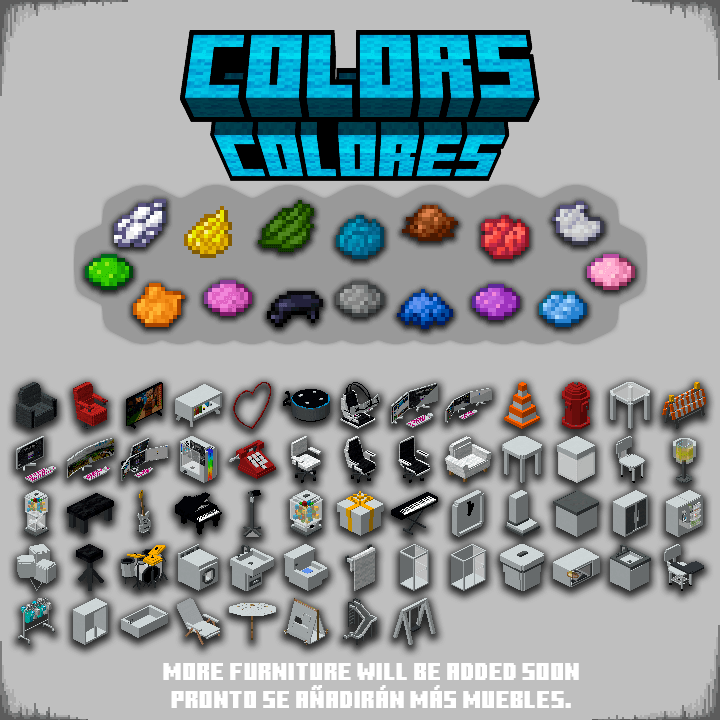
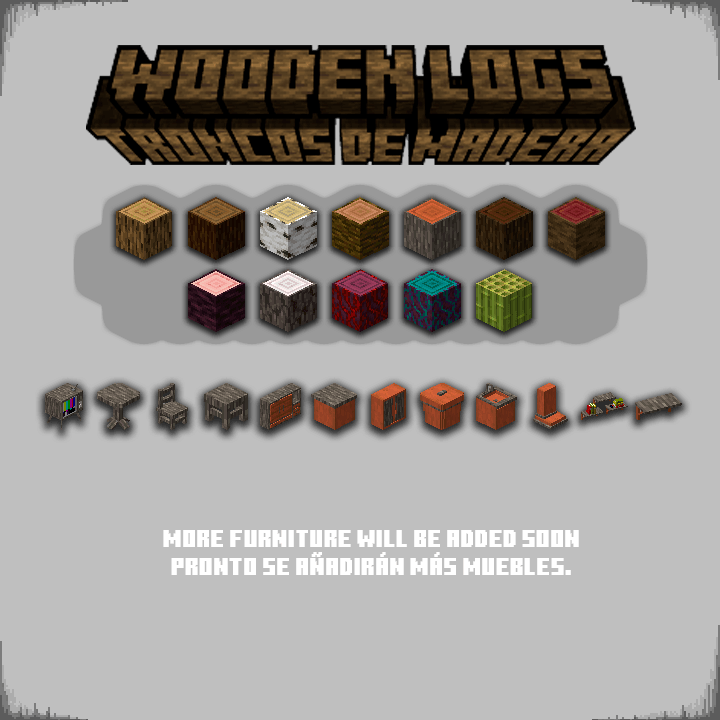
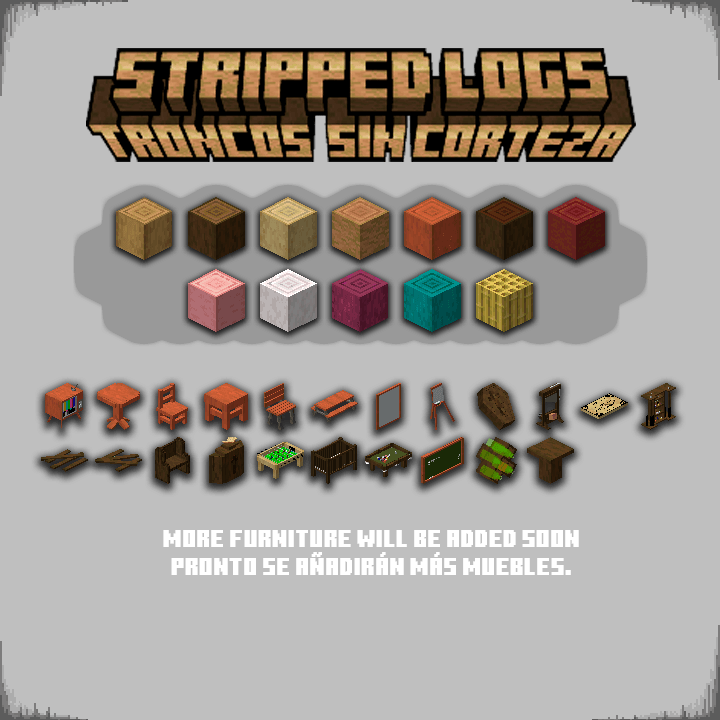
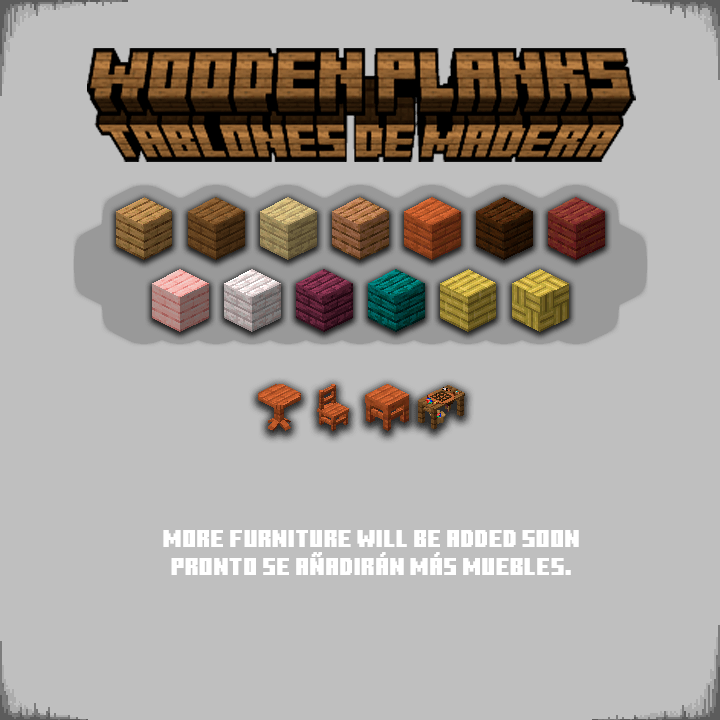
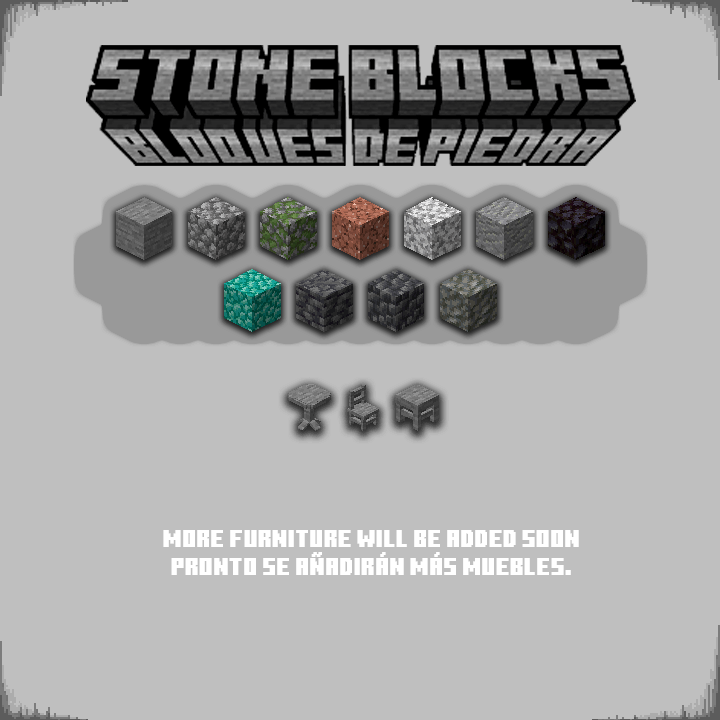
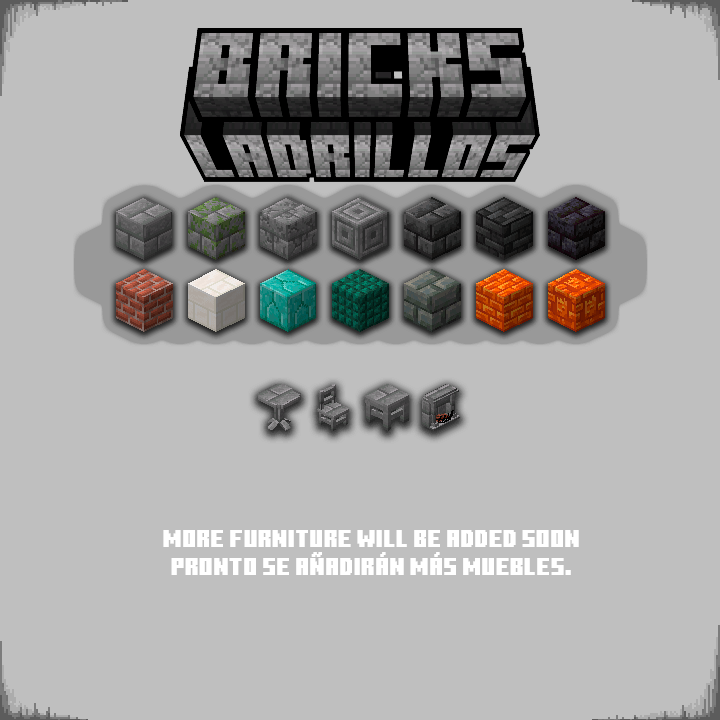
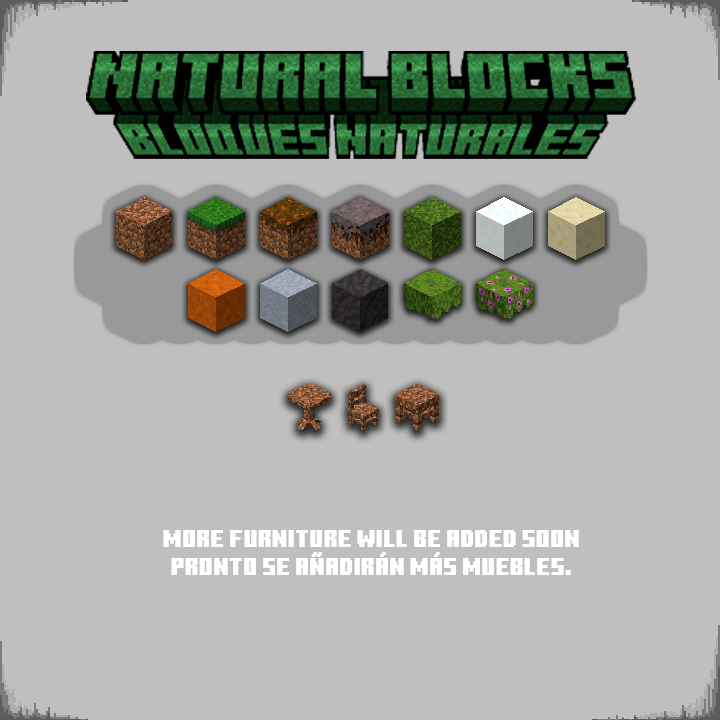
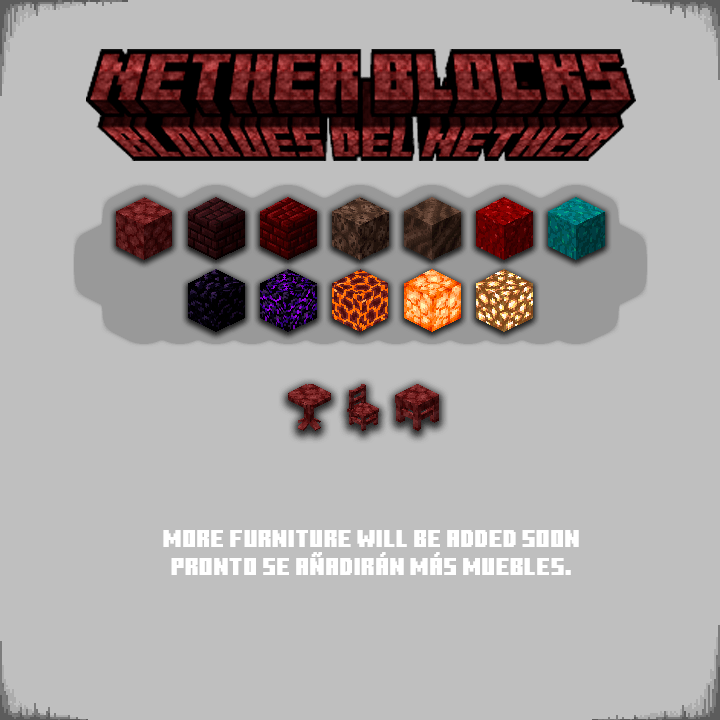
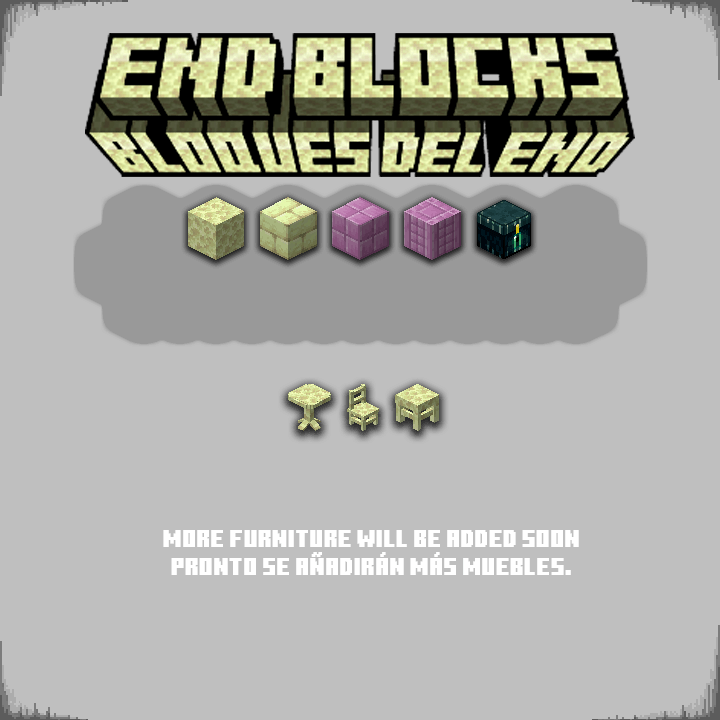
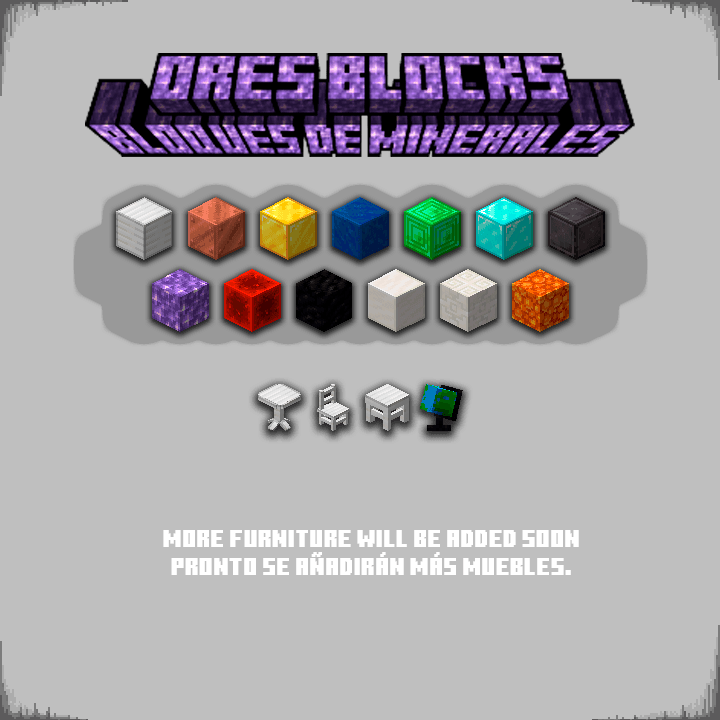
Furniture materials are divided into categories.
[ Wooden Logs, Stripped Wooden Logs, Wooden Planks, Stones, Bricks, Nether Blocks, End Blocks, Natural Blocks and Ores ]
Colored Furniture can only be interacted with by using the 16 types of dyes in the game.
Here are some examples:
Can I have my own FurniPop?
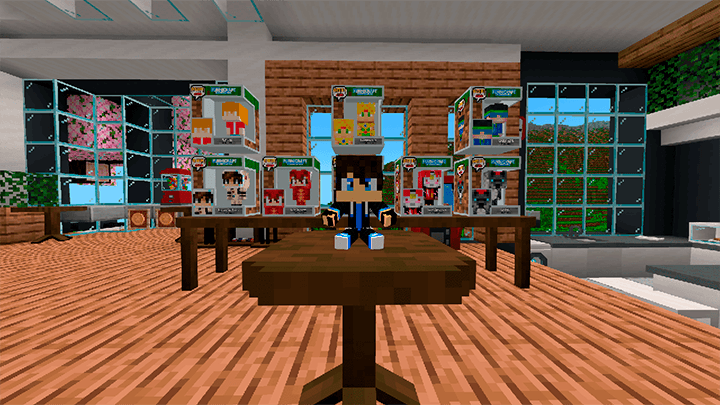
Would you like to have your own FurniPop with your Minecraft skin?
You can purchase yours on my Patreon and it is officially added to the addon, this also helps me continue improving the addon.
If you require more information you can contact the creator on any of their social networks
(This is a digital product, we do not receive anything in real life)
List of changes of FURNICRAFT v27.1
Changes:
- Compatible with Minecraft v26.32+ (And Betas / Previews)
- It is no longer necessary to activate experimental games
- Now you can play with ACHIEVEMENTS (Achievements are active as long as you DO NOT activate commands in the world)
- Now all wooden furniture supports the new wood and poplar leaves from the next drop (use the brush to change it)
- A bug was fixed that caused some people to have blue lines on some furniture.
- The portal gun was added
- A monocle was added (when you hold it in your main or secondary hand you can see the names of the blocks you are looking at) (it works with other addons)
- A desktop microphone was added
- New bed system (bed bases are now functional beds) (they work very similarly to the beds in the vanilla game, but with nicer designs) (more designs will be added soon)
- The bug that prevented the first backpack generated in the world from being removed has been fixed; it now works correctly.
- And many more things you can discover!!!
Tutorial on how install it here