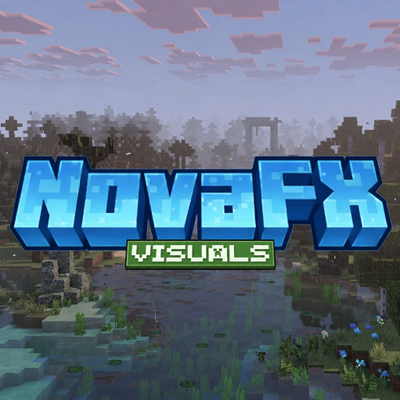
NovaFX Visuals
NovaFX is a shader pack designed for Minecraft Bedrock Edition's Vibrant Visuals. It completely overhauls the game's lighting, atmosphere, water, fog, and materials to create a cinematic and immersive look, without sacrificing the Minecraft feel.

Features
- Filmic Hable tone mapping for cinematic color science and moody depth ●Warm golden-hour lighting with dramatic red sunrise and sunset transitions
- Per-biome volumetric fog with unique chromatic identity, pink cherry, golden desert, murky swamp, eerie pale garden, and more
- Visible volumetric god-rays through canopy biomes like birch, taiga, jungle, and cherry ●Dynamic sky with realistic atmospheric scattering and blue daytime transitions
- Animated water with realistic waves and caustics
- PBR ores that reflect and glow naturally
- Colored local lighting
- Custom atmospherics for Nether, End, Deep Dark, and Pale Garden
Installation
- Download NovaFX Visuals and open the
.mcpackfile — Minecraft will import it automatically. - Go to Settings → Global Resources and activate NovaFX Visuals. Place it at the top of your pack list.
- Enable Vibrant Visuals in Settings → Video → Graphics Mode.
- Open pack settings (gear icon) and choose your resolution subpack: Default or High.
- Load a world and enjoy.