One Click PvP Kit Equip | Mace Elytra, Crystal, Cart kits
Welcome to One Click PvP Kit Equip, a Minecraft Bedrock add-on that lets you instantly equip complete PvP kits with just one click.
Instead of manually collecting armor, weapons, food, and other items, simply open the Kit Menu and choose your kit. Everything is equipped instantly, saving time and making PvP practice much more enjoyable.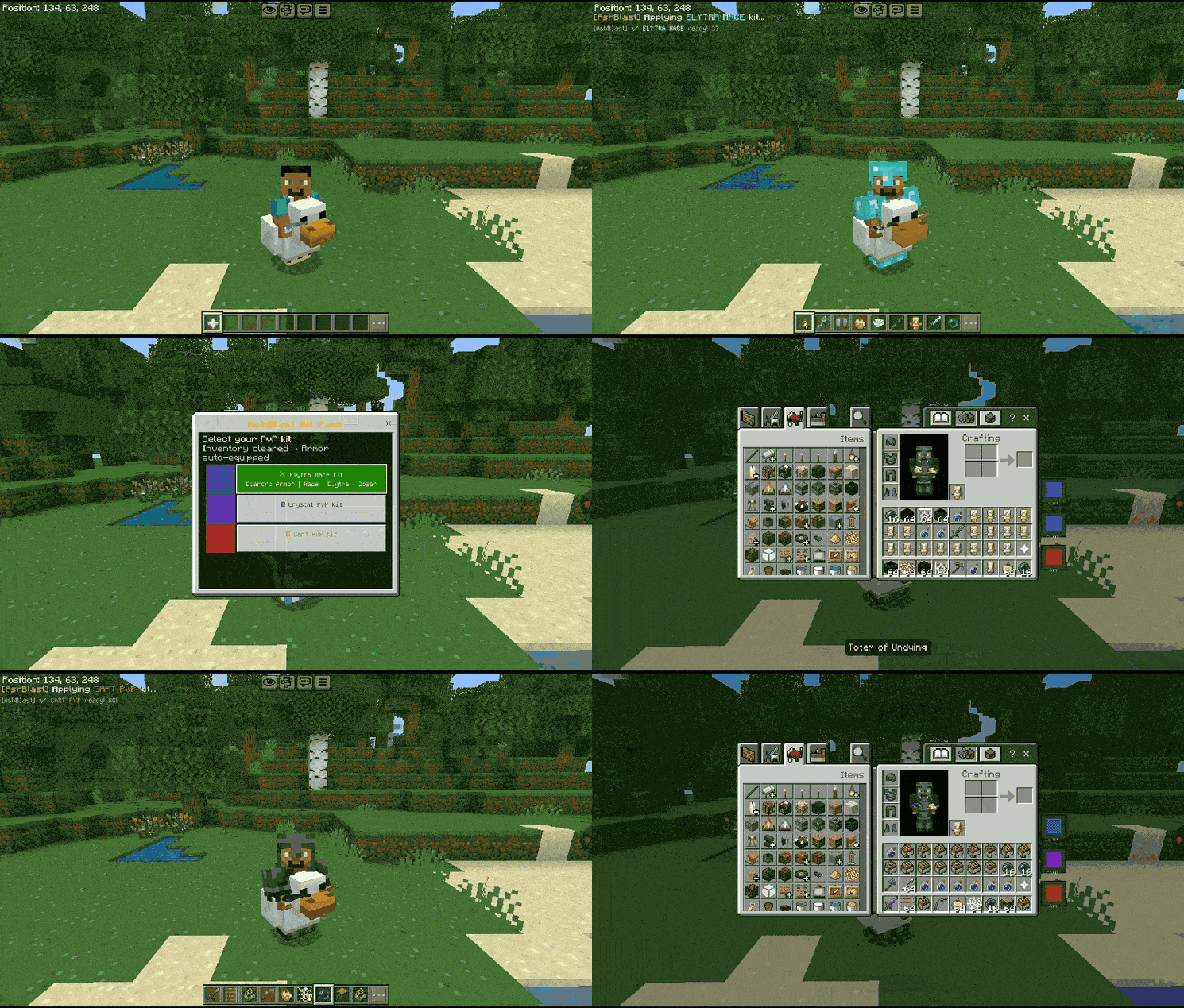
⭐ Features
✅ Equip complete PvP kits with one click
✅ No manual item selection
✅ Java Edition inspired kit system
✅ Simple and easy-to-use Kit Menu
✅ Fast PvP setup
✅ Multiplayer friendly
✅ Lightweight and smooth performance
✅ Great for practice maps and custom worlds
📥 How to Install & Activate
1. Install the Add-on
Download the add-on and open the .mcaddon file. Minecraft will import it automatically.
2. Activate the Pack
Create a new world or edit an existing one.
Go to:
Behavior Packs & Resource Packs → Activate "One Click PvP Kit Equip"
3. Enable Required Settings
Before entering the world, enable:
✅ Beta APIs
✅ Cheats

These settings are required for the add-on to work correctly.
4. Join Your World
Enter your world after enabling the pack and required settings.
5. Initialize the Add-on
Open the chat and run:
/function init6. Open the Kit Menu
- After running the command, you will receive a special menu item.
- Use the item to open the Kit Menu and select any kit.
- Your complete PvP kit will be equipped instantly.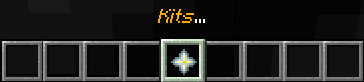
💡 Notes
✅ Run /function init once for each world.
✅ If you lose the menu item, simply run /function init again.
✅ Works in both singleplayer and multiplayer.
🧾 Additional Information
✔ Minecraft Bedrock 1.21+
✔ Multiplayer Compatible
✔ Beginner Friendly
✔ Easy Setup
✔ Lightweight Add-on
⚠️ Originality Notice
This add-on was created by Ash Blast. It is inspired by Java Edition style kit systems, but all files and functionality were created from scratch.
⚠️ Usage & Credit
Feel free to use this add-on in your projects, but please ask for permission first and give proper credit to Ash Blast.