
Rainbow Outline Selection
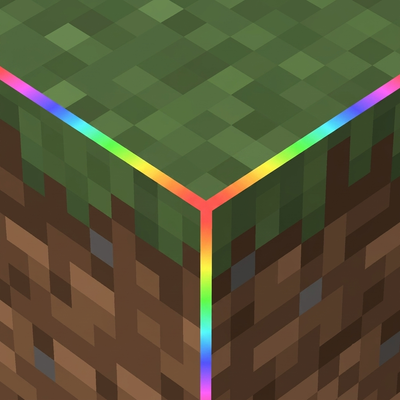
Tired of the boring vanilla outline? Rainbow Outline Selection replaces it with a vibrant animated rainbow effect for a more beautiful and immersive Bedrock experience.
20,893
Rainbow otline Selection
Replace the boring vanilla block outline with a living rainbow. Rainbow Outline Selection swaps Minecraft's default selection box for a 12-edge particle outline that cycles through the full spectrum — red, orange, yellow, lime, green, teal, cyan, sky, blue, violet, magenta, pink — shifting color every two ticks as you look at any block. Pure Script API, no lag-heavy entities, no geometry hacks. Just clean colored dots tracing every edge of whatever block you're pointing at, up to 7 blocks away.
Works in survival and creative. Pair it with any shader or resource pack.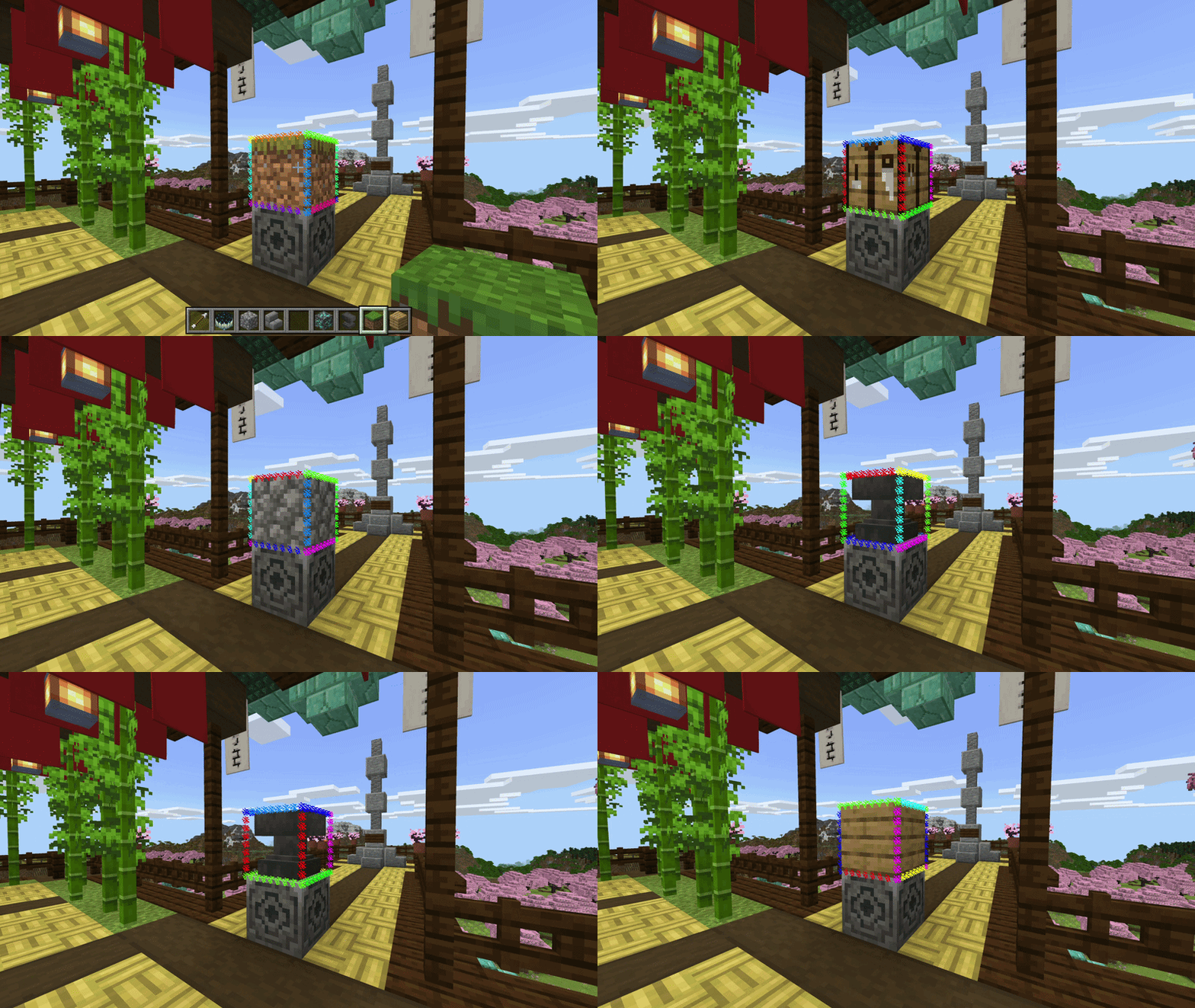
Best for MCPE players who want more. No mods, no PC required — just install and your block selection instantly comes alive with a full rainbow cycle, right on your phone or tablet.
Why particles? Bedrock's RenderDragon engine locks out direct access to the selection box render pipeline — unlike Java Edition, there's no hook to recolor or replace it natively. Particles are the deepest level of customization the Script API allows, making this the most polished rainbow outline that's actually possible on Bedrock.
Video settings note (for "turning off the vanilla outline" section)
To get the cleanest look, turn off the default block selection highlight so only the rainbow particles show. Go to Settings → Video → Selection Highlight and switch it Off. The addon's particle outline takes over completely from there.
Requires: Minecraft Bedrock 1.21.0+ | Experimental: Script API must be enabled
Changelog:None
More versions

All Rights Reserved
29/06/2026
18:51 31/07