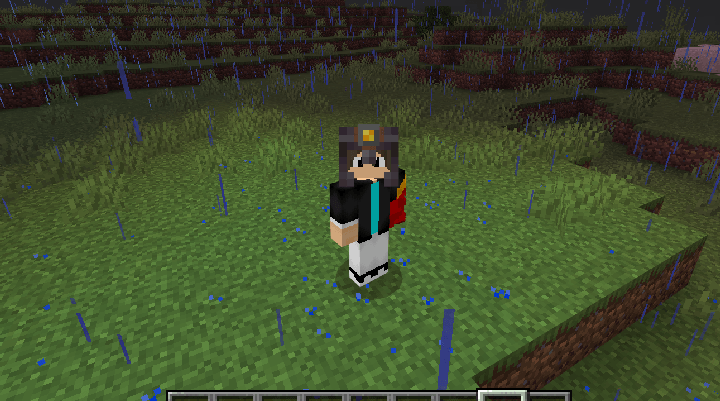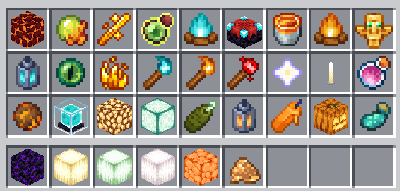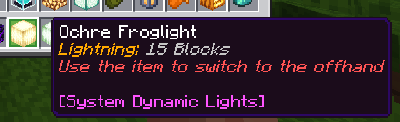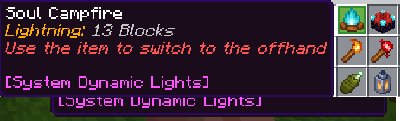

Now the addon can be used without issues alongside the Action and Stuff addon and any other addon with custom animations or textures that modify vanilla items.
How to Equip Items Offhand
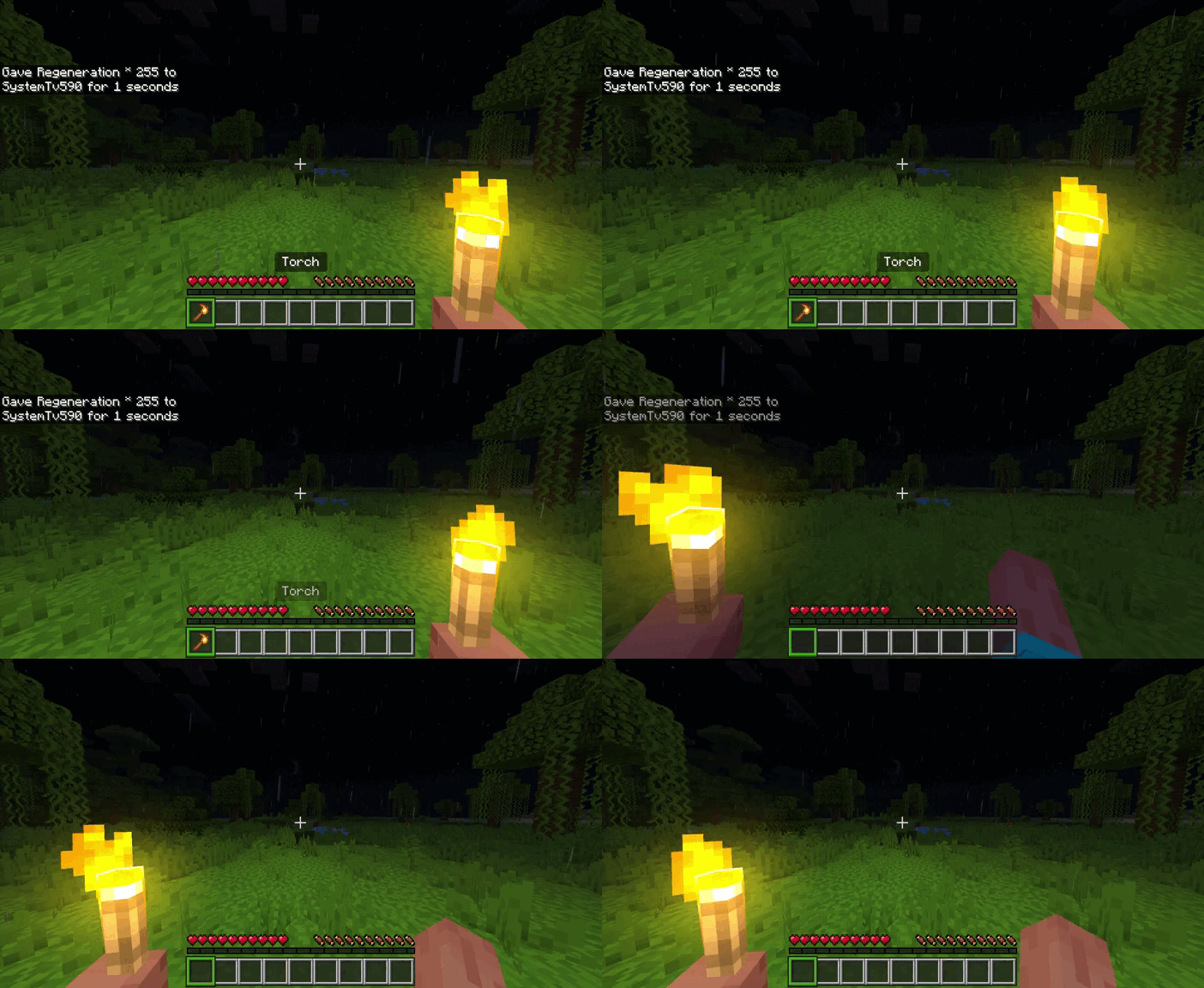
Hold your torch or light source in your main hand, then:
- PC: Right click in the air while holding it
- Mobile: Hold the screen while holding it
- Console: Press the interaction button to use the crafting table.
Update V3.2.6
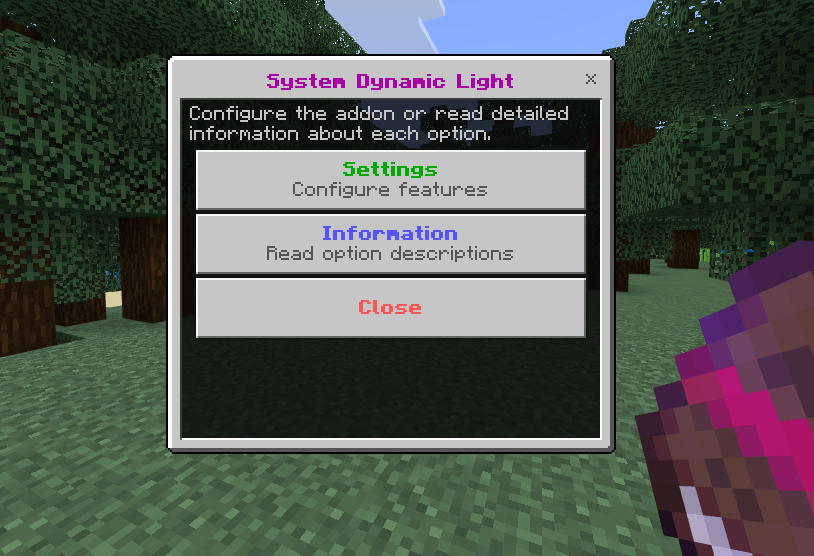
The System Dynamic Light book has two main sections: Settings, where you can change the addon configuration, and Information, where you can read a detailed explanation of each option. The Close button closes the menu.
1. Enable Dynamic Light
This is the main switch for the entire addon.
- Enabled: Activates all dynamic lighting features.
- Disabled: Disables dynamic lights, automatic offhand activation, and special offhand placement.
2. Offhand Light
Controls the light produced by supported items held in the offhand.
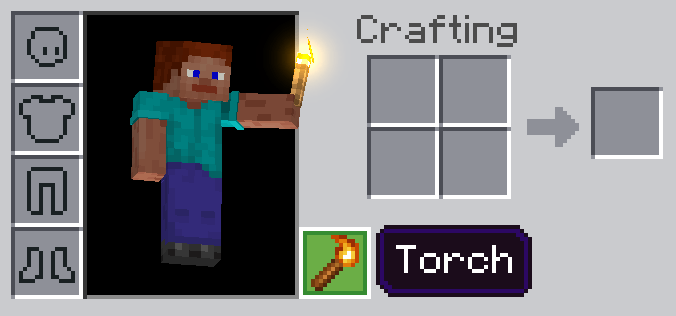
- Enabled: A torch, lantern, or another supported item in the offhand produces light around the player.
- Disabled: Items in the offhand do not produce dynamic light.
This only affects lighting. The item can still remain in the offhand.
3. Helmet Light
Controls the light produced by compatible lantern helmets.
- Enabled: Compatible helmets produce level 15 light.
- Disabled: The helmets can still be worn, but they do not produce light.
4. Preferred Light Source
Determines which player light source has priority when multiple sources are available at the same time, such as a helmet, an offhand torch, and a glowing item in the main hand.
- Brightest Available: Uses the source with the highest light level.
- Original Priority: Uses the following order: Helmet, Offhand, and Main Hand.
- Prefer Helmet: Tries to use the helmet light first.
- Prefer Offhand: Tries to use the offhand light first.
- Prefer Main Hand: Tries to use the main-hand light first.
If the selected source is unavailable, the addon uses the brightest remaining source.
5. Placed Offhand Activation Method
Controls how a supported light item is automatically moved from the main hand to an empty offhand.
The player must be looking at the air for this feature to work.
- Disabled: Disables automatic movement to the offhand.
- Use Item: Use the supported light item while looking at the air.
- Sneak + Use Item: Sneak and use the supported light item while looking at the air.
The offhand must be empty before the item can be moved.
6. Offhand Torch Placement
Controls how compatible light blocks are placed directly from the offhand.
- Disabled: Disables special offhand placement.
- Sneak + Hit: Sneak and hit a block to place the light on the selected side.
The space where the light will be placed must be empty.
7. Offhand Place Light Blocks
Determines which types of light blocks can use special offhand placement.
- Torches Only: Only allows items containing
torchin their identifier. - Torches and Lanterns: Allows torches and lanterns.
- All Placeable Lights: Allows every supported light item that also has a valid block version.
Some items can produce dynamic light but cannot necessarily be placed as blocks.
8. Dropped Item Lights
Controls the light produced by supported items dropped on the ground.
- Enabled: Supported dropped items produce dynamic light.
- Disabled: Dropped items do not produce dynamic light.
For example, a dropped torch or lava bucket can illuminate the area where it lands.
9. Maximum Dropped Items Light
Determines how many dropped items can produce light at the same time in each dimension.
- 10 Lights: Processes only the 10 supported dropped items closest to players.
- 25 Lights: Processes the 25 closest items.
- 50 Lights: Processes the 50 closest items.
- Unlimited: Processes every supported dropped item.
Using Unlimited may affect performance when many items are on the ground.
10. Entity Lighting
Controls dynamic light produced by living entities.
- Disabled: Entities do not produce light.
- Burning Entities Only: Only entities that are currently on fire produce light.
- Natural Glowing Mobs Only: Only mobs that naturally produce light are supported:
- Blaze
- Magma Cube
- Glow Squid
- All Supported Entities: Allows both burning entities and naturally glowing mobs to produce light.
11. Item Information
Controls the information added to the lore or description of supported light items.
- Disabled: Removes all information added by System Dynamic Lights.
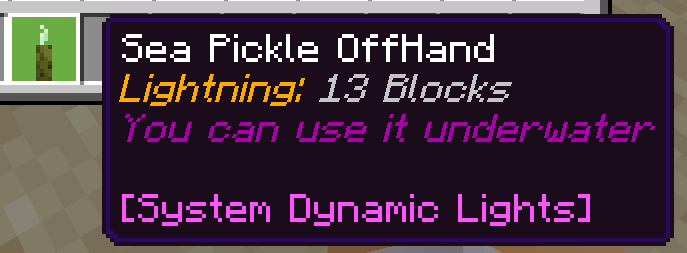
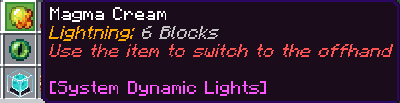
- Light Level Only: Shows only the light level of the item.
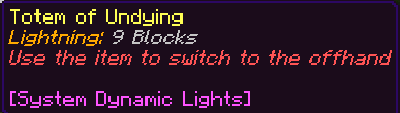
- Full Information: Shows the light level and instructions for using the item.
For example, it may show:
- How many blocks the item illuminates.
- Whether it can be used underwater.
- How to move it to the offhand.
12. Dimension Settings
Determines the dimensions where dynamic lighting works.
- Overworld Only: Works only in the Overworld.
- Overworld + Nether: Works in the Overworld and the Nether.
- Overworld + The End: Works in the Overworld and The End.
- All Dimensions: Works in the Overworld, Nether, and The End.
Dynamic lighting, dropped item lights, helmet lights, and entity lights are disabled in dimensions that are not selected.
Update V3.2.5
This update adds new items to the catalog of light-emitting items that can be placed in the offhand slot. These include Redstone Dust, the Redstone Repeater, and the Redstone Comparator.
A bug was also fixed where items would not emit light while being used inside caves.
Remember that to place items in your offhand, you must look toward an empty space with no blocks and then press and hold the screen on mobile devices, right-click on PC, or use the crafting table interaction button on consoles.
Update V3.2.4
Place Torch Offhand
To place torches while holding them in your offhand, you must perform the following action: Sneak + Hit the block where you want to place the torch. This must be done while holding a torch in your offhand and with the "Place torches while sneaking" option enabled in the Torch Config Book settings.
Update 3.2.2
New Features
-Added conduit block to illuminate
-Added brawing stand to illuminate
Bug fixes
-Lighting bug fixed when going up the stairs
Fixed bug that did not allow candles of other colors to be added to the second hand
Extra changes
-Now the mining helmets and all the extra content that has nothing to do with vanilla Minecraft can only be applied to the world through another file called System Dynamic Extra, which will be
Update 3.2
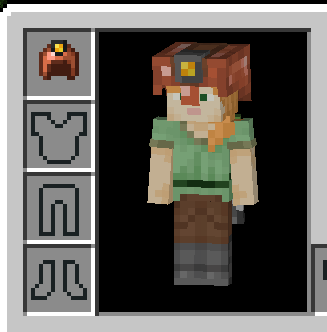
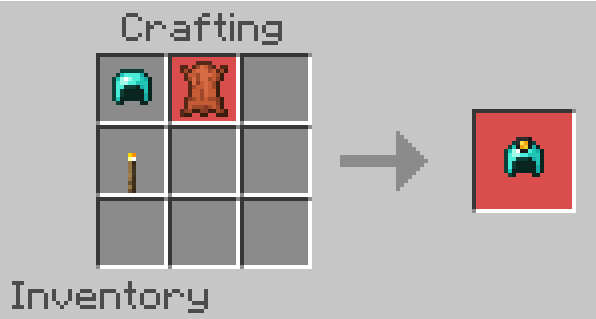
In this new update, the Lantern Copper Helmet has been added. You can craft it on the crafting table using the normal copper helmet, a torch, and a bit of leather.